Self check-in & booking for barbershops & salons

Keep
cutting.
We’ll handle
the line.

Walk-ins and appointments check in on an iPad or a QR code. Quevo texts each client when it’s their turn.

Get started free

Free forever · No credit card required

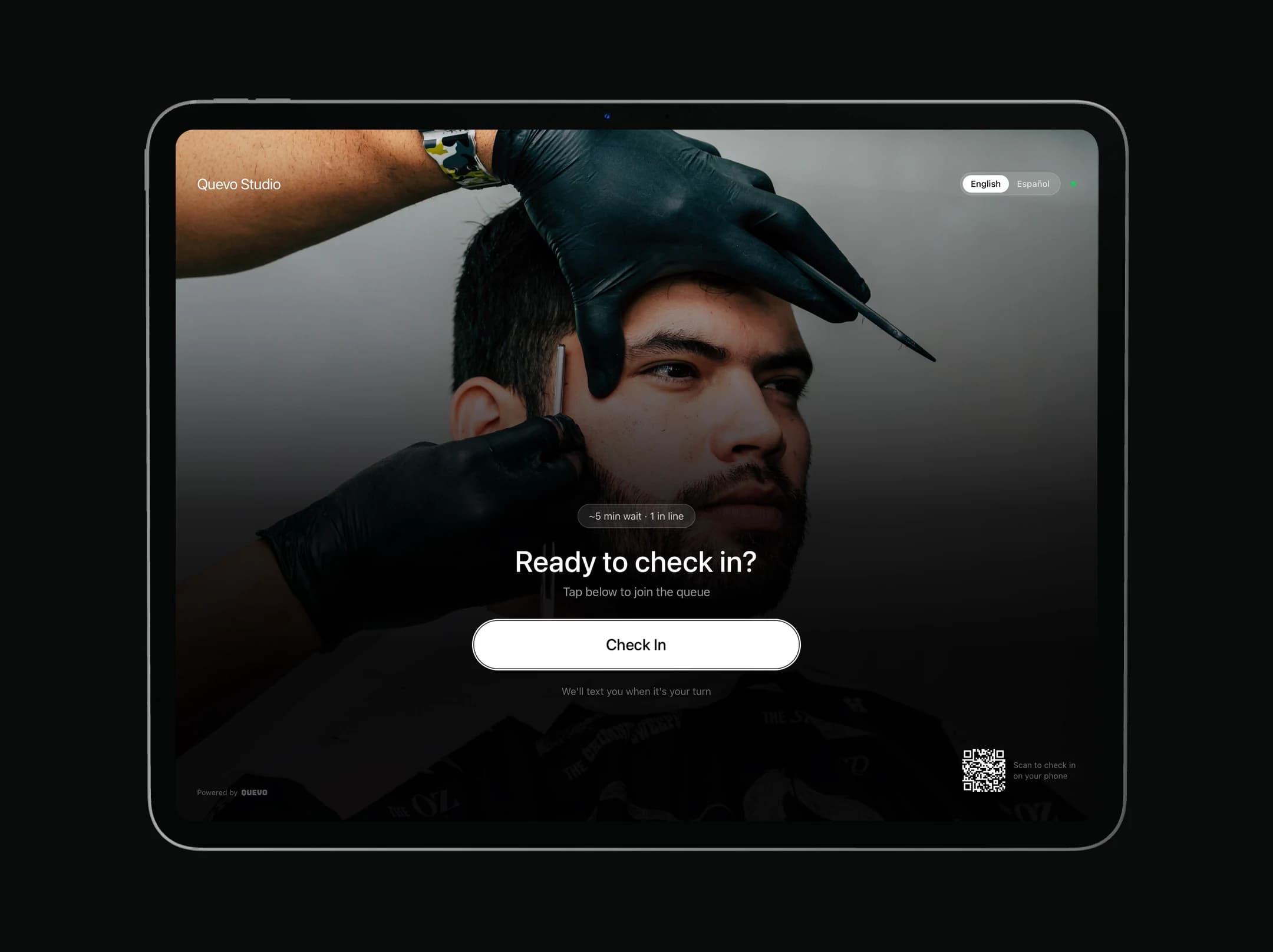
Quevo kiosk on an iPad: “Ready to check in?” with a Check In button

Live from Quevo

1,900+

clients checked in with Quevo in the last 30 days

  • EN / ESkiosk in two languages
  • $0to start, forever
  • No appfor your clients

The kiosk

Check-in that
looks like
your shop.

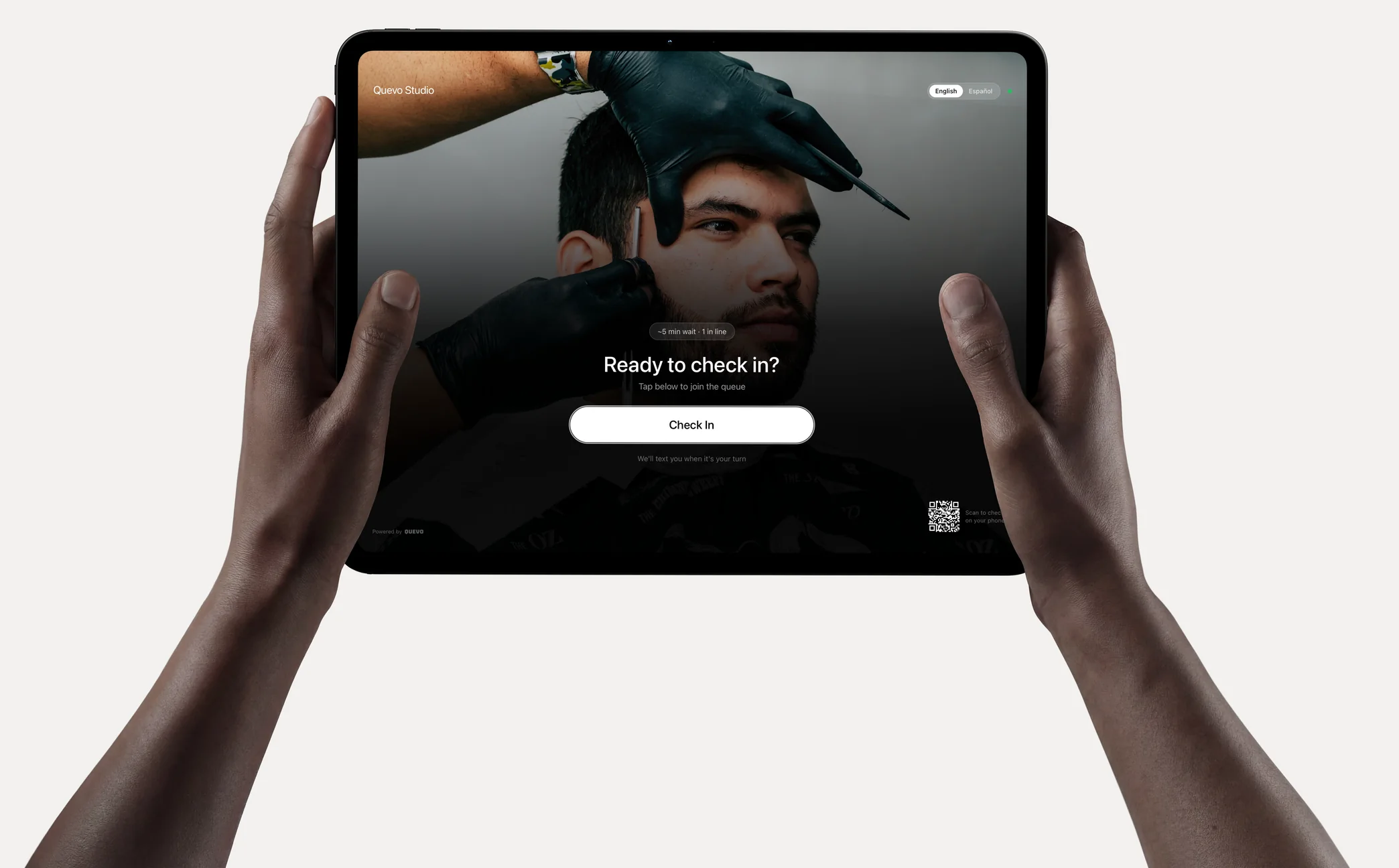
Put any iPad by the door. Walk-ins check themselves in, and you never leave the chair.

  • Your photo, colors and words

    Make the welcome screen look like your shop.

  • English or Español

    Clients switch languages with one tap.

  • Knows your regulars

    Returning clients tap their name — Quevo suggests their usual.

  • A barber, or next available

    Clients request who they want, or take the first free chair.

  • On a stand or the counter

    Any iPad works. Card payments with Square Stand, if you want them.

Hands holding an iPad with the Quevo check-in screen: “Ready to check in?”

No iPad yet?

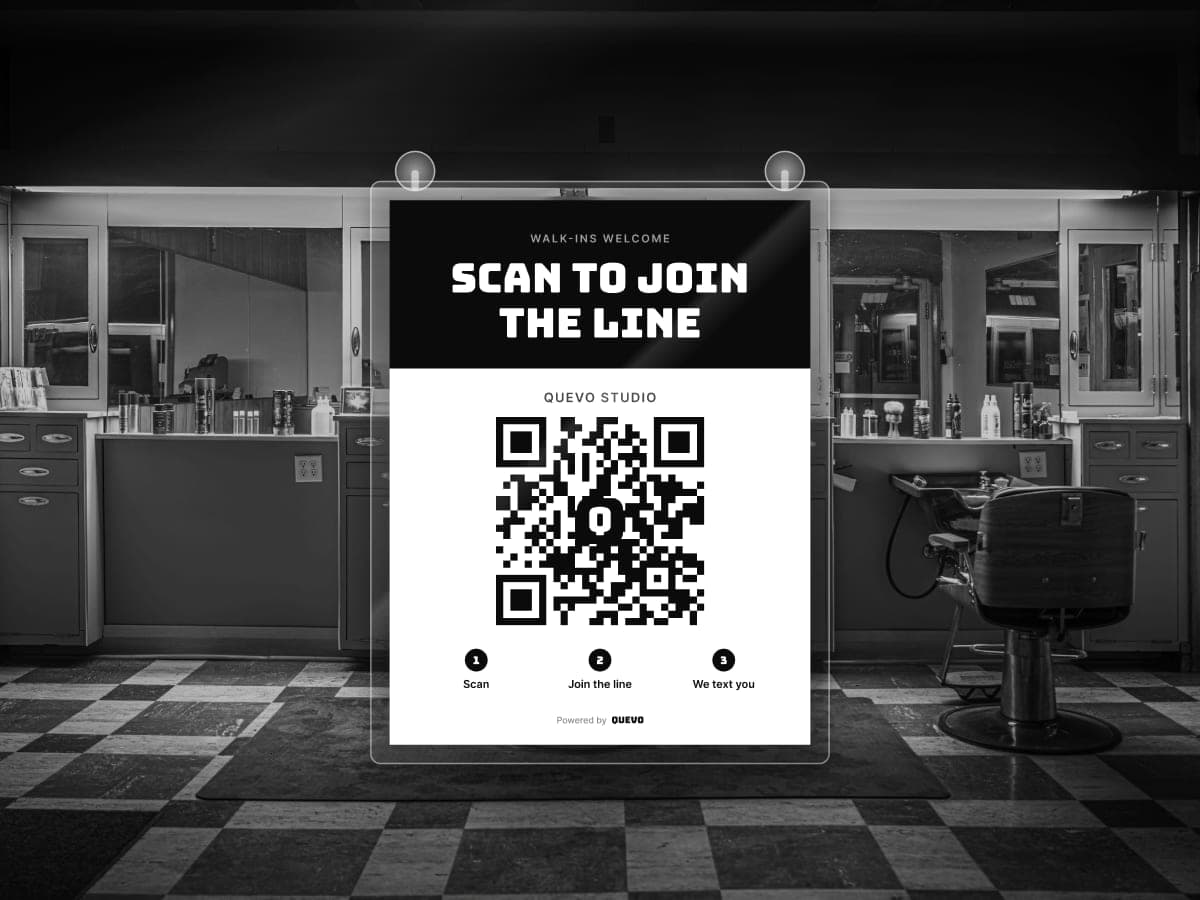
Print a free QR sign and start today. Clients join the same line from their own phone — no app. Add the kiosk anytime.

A “Scan to join the line” QR sign hanging inside a barbershop door
Get your free sign

Try the kiosk

Tap through
it yourself.

The real check-in, right in your browser. It’s a demo shop — nothing is saved and no texts are sent.

Start the demo

No sign-up · Takes a few taps

Tap to try
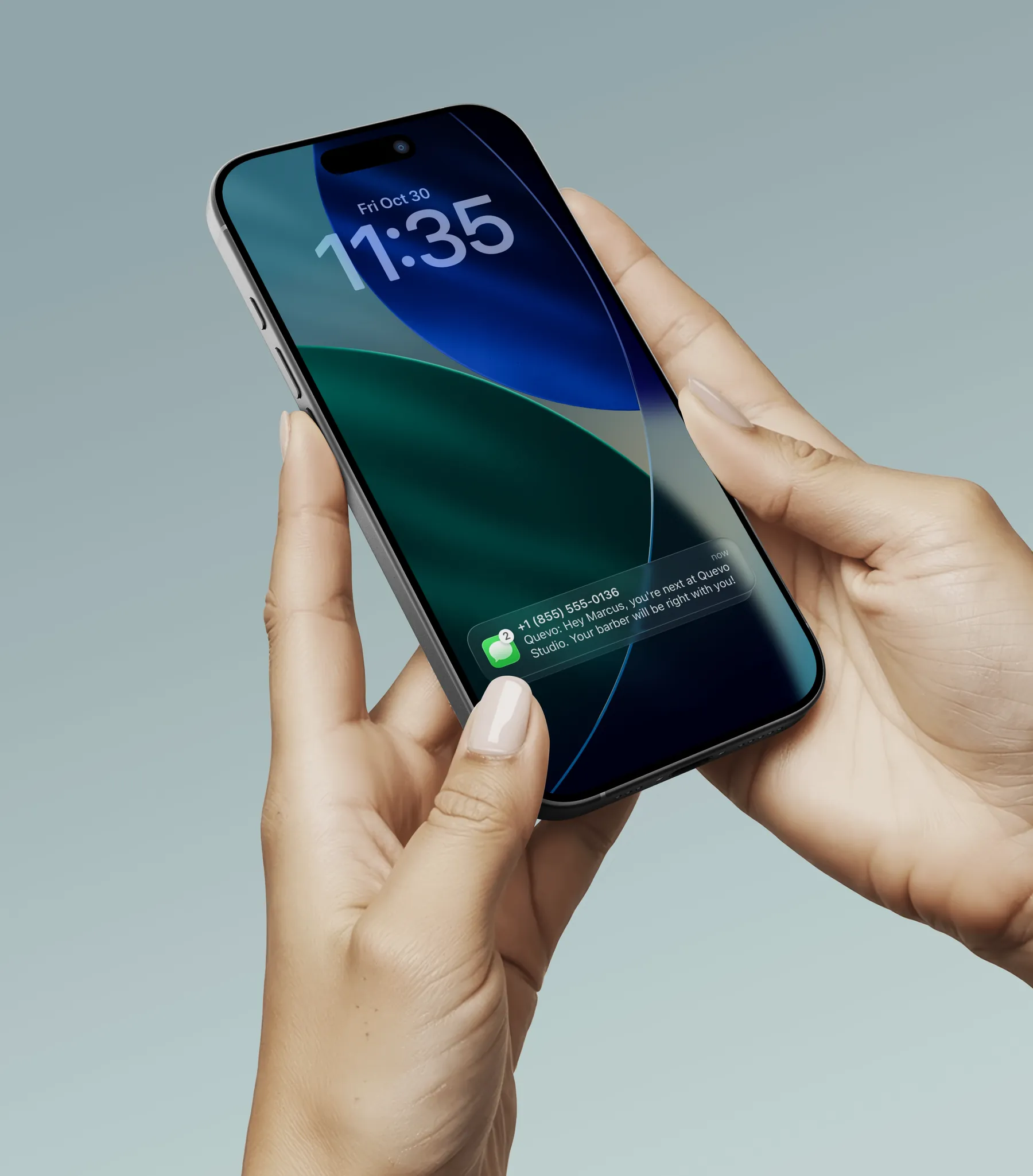
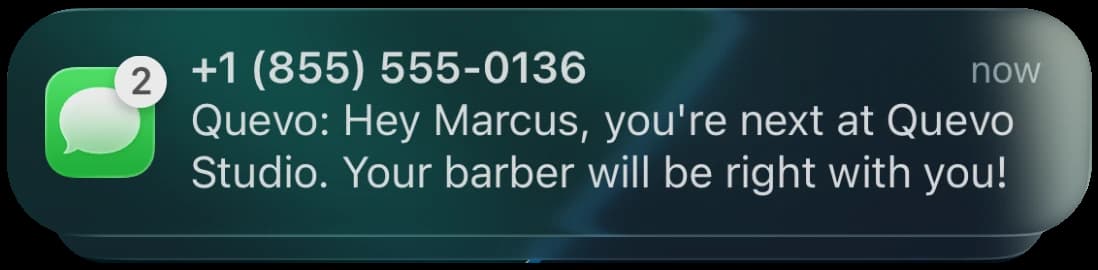
A client holding a phone with a text from Quevo on the lock screenText message: “Quevo: Hey Marcus, you’re next at Quevo Studio. Your barber will be right with you!”

An empty
waiting room.
A full line.

Clients don’t have to sit and wait. Quevo saves their spot and texts them when they’re up — so they stop leaving, and you stop shouting names.

  • Texts in English or Spanish
  • Clients see their place in line
  • Works with the iPad, a QR code or online

For owners & barbers

Run the whole
line from
one screen.

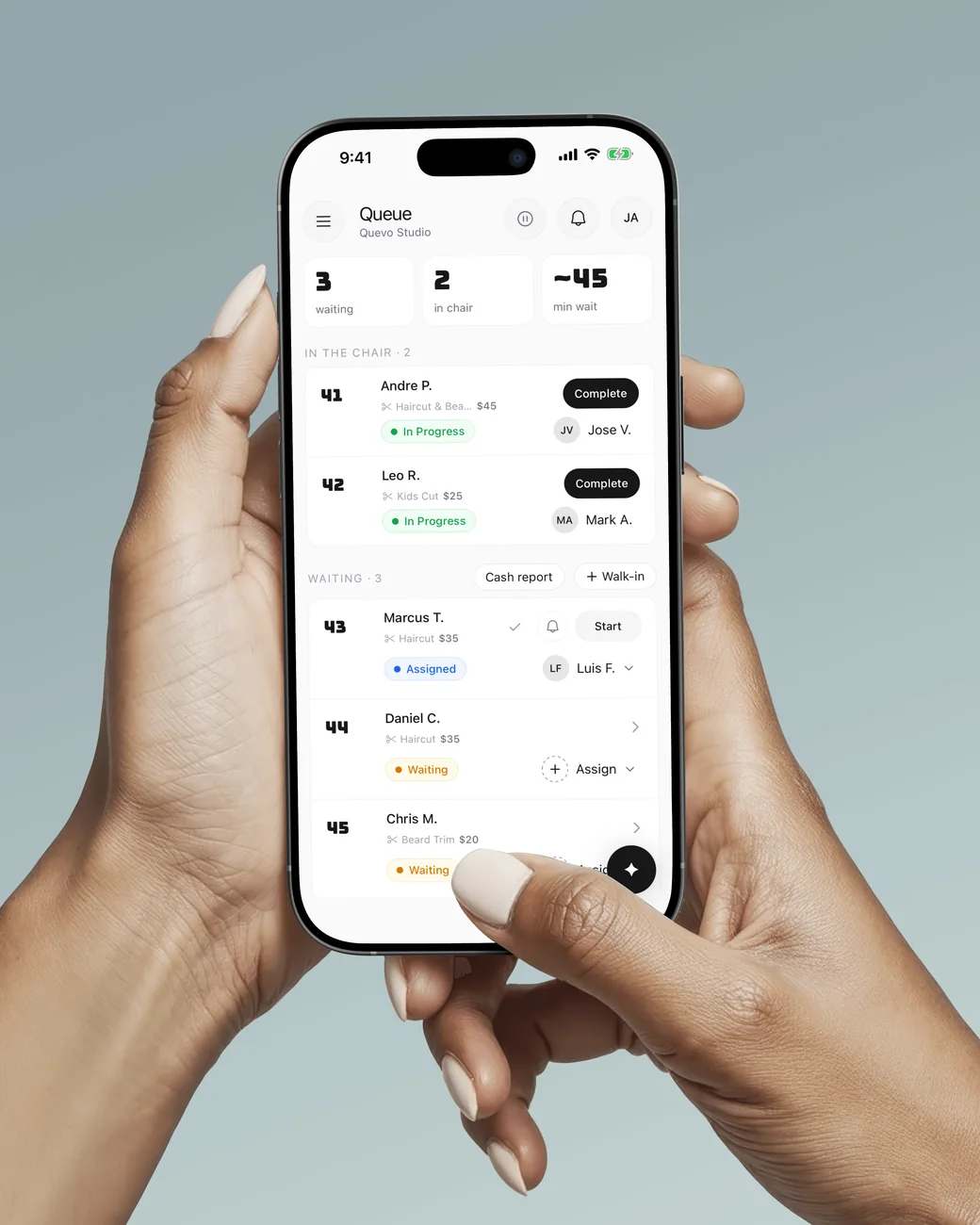
The Quevo Business app shows who’s in the chair, who’s waiting and who’s booked — on your iPad or phone.

A hand holding an iPhone with the Quevo Business app queue: two clients in the chair, three waiting
  • Start, finish and text from the queue
  • Appointments and walk-ins in one line
  • Customer notes and photos of every cut
  • Busy hours, top barbers, no-shows

More in the box

We handle more than the line.

Booking, payments, earnings and answers — all in the same place you run your line.

Online booking

Growth & Pro

Your own booking page. Clients pick a barber and a time, and bookings land in the same line as walk-ins.
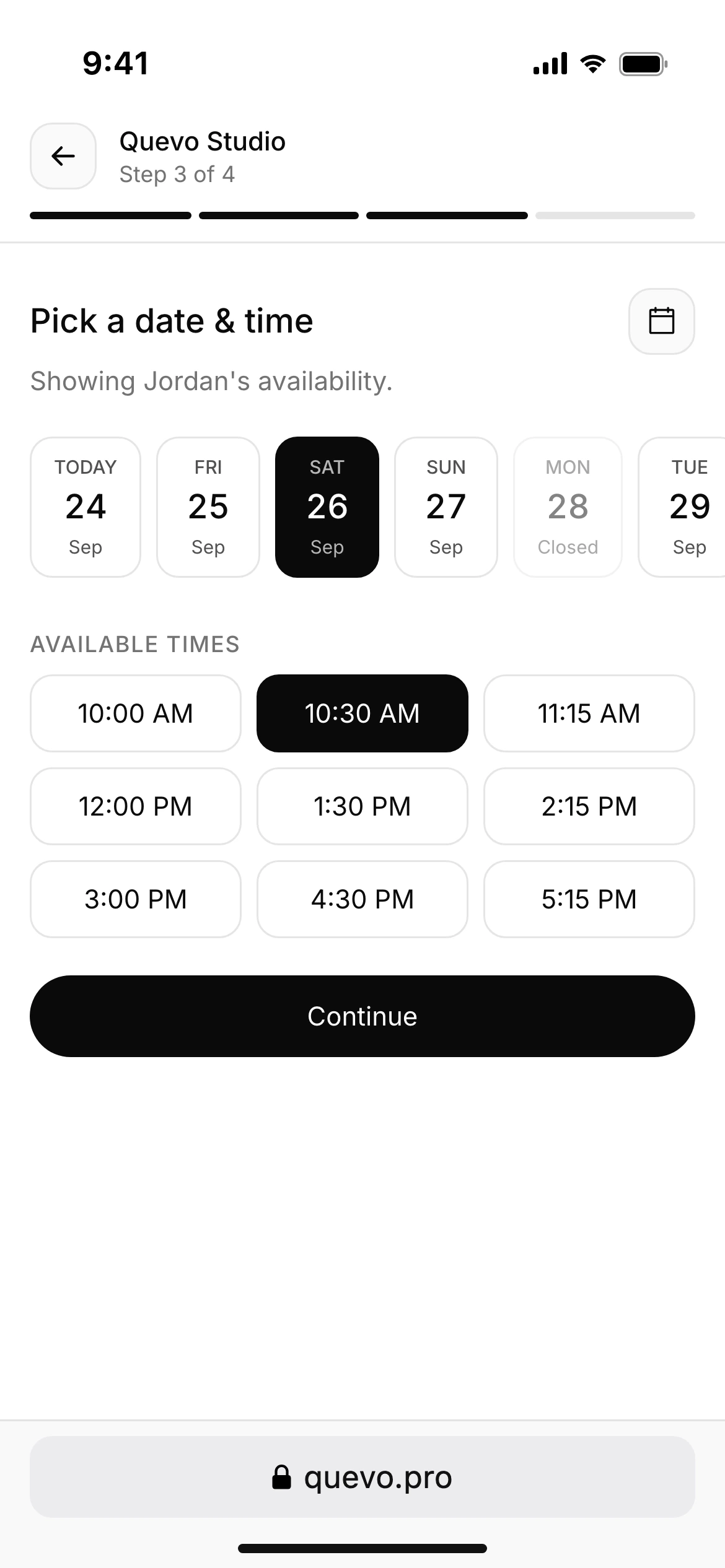
Quevo booking page on a phone: “Pick a date & time”, with days to choose from and open times

Payments & earnings

Growth & Pro

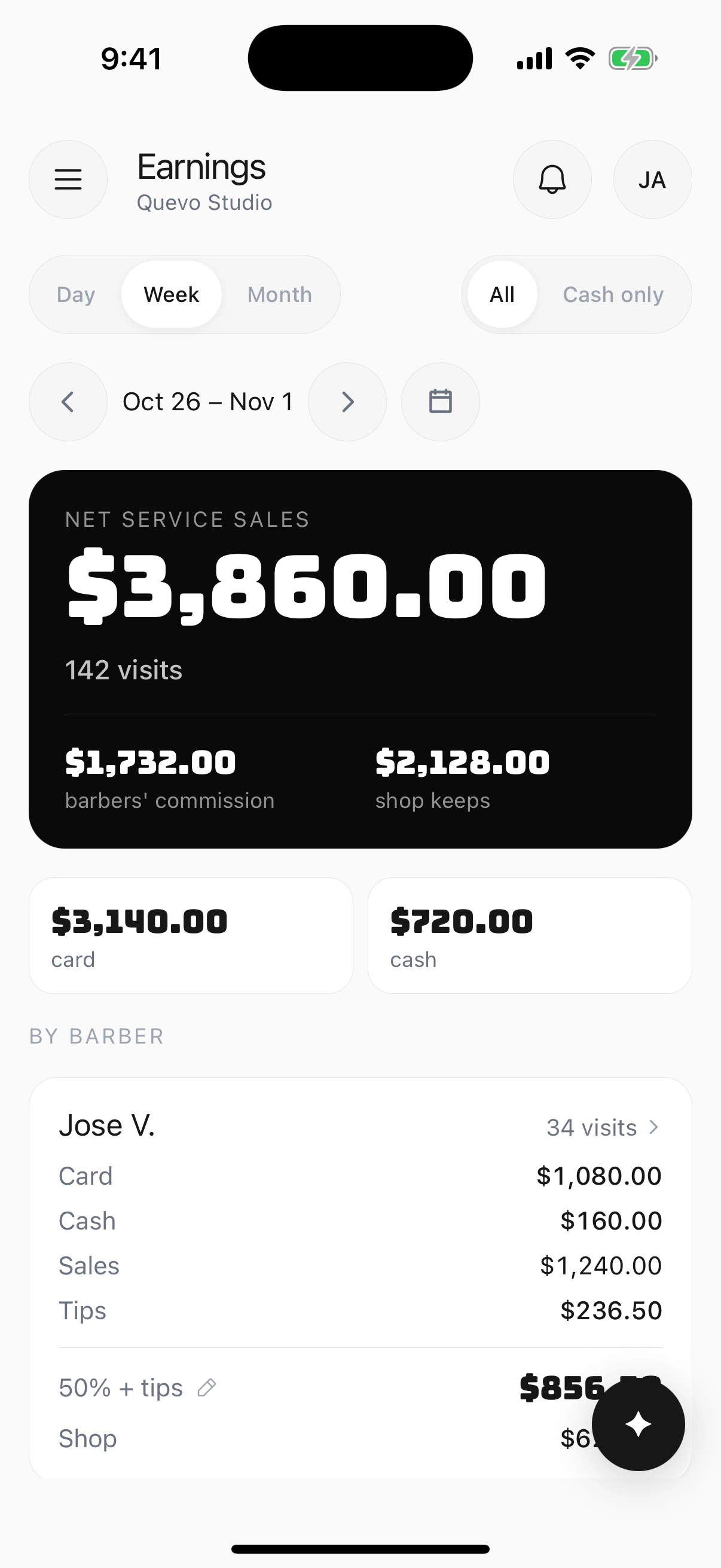
Clients pay by card at the kiosk with Square Stand, tip included. See card, cash and tips for every barber, with commission splits.

Quevo Business app, Earnings: $3,860 in net service sales this week, $1,732 barbers’ commission and $2,128 the shop keeps, $3,140 by card and $720 in cash

Already on Square
or Booksy?
Keep it.

Square & Booksy

Growth & Pro

Appointments land in your Quevo line, next to every walk-in.

When are we busiest?

Saturdays from 11 to 2 — that’s also when most walk-outs happen.

Example answer · demo shop

Ask Quevo

Beta

Ask about your shop in plain words. Answers come from your own check-ins.

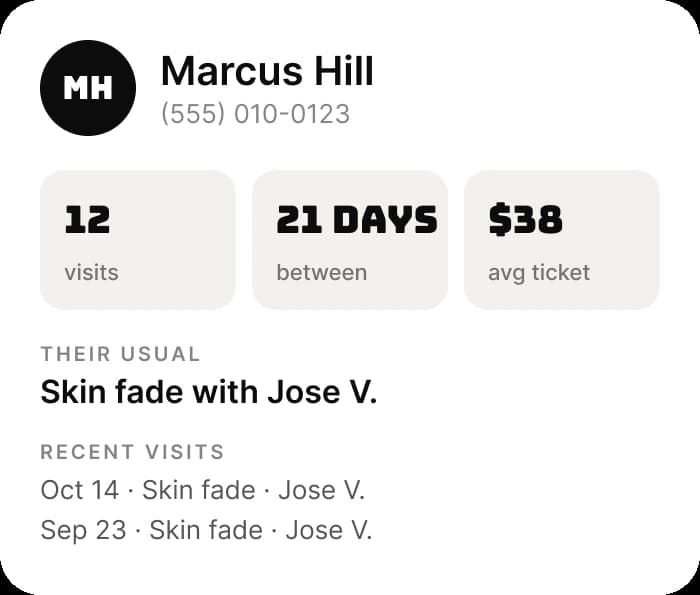
Client profile in Quevo: Marcus Hill, 12 visits, 21 days between visits, $38 average ticket, usually a skin fade with Jose V.

Know every regular

Visits, their usual cut and who does it, with notes and photos of every cut.

AI Receptionist

Add-on · $49/mo

Answers your shop’s phone in English or Spanish, gives the wait and adds callers to the line. 300 minutes included.

Incoming call

Quevo Studio · answered by AI

“How long’s the wait right now?”

“About 20 minutes. Want me to add you to the line?”

Also in the box

  • Daily recap
  • Week in review
  • Notes & photos
  • Home Screen widget
  • Team reminders
  • Texts in English & Spanish
  • Live queue TV display

From the shops

From the chair.

  • So grateful I found this app. It has literally changed our daily operations in a major way! Developers are on point with updating the app.

    Felix Silva

    Barbershop Near Me · App Store review

  • We run both walk-ins and appointments, and Quevo actually keeps up with both — it's rare to find something that fits a shop like ours.

    Danni Tieman

    Family Haircare

Pricing

Start free. Upgrade when you’re ready.

Every new shop gets 14 days of Growth free, including online booking. No card needed.

Starter

$0

free forever

  • 1 location
  • 2 staff members
  • 50 check-ins / month
  • SMS notifications
  • Kiosk + QR code check-in
  • Live queue TV display
Get started free

Growth

14 days free

$49

/mo per location

  • 500 check-ins / mo per location
  • $0.10 per extra check-in
  • 5 staff per location
  • Add locations anytime · $49 each
  • Online booking page
  • Wait time estimates
  • Analytics & reporting
  • Square & Booksy sync
Get started

Pro

$99

/mo per location

  • Unlimited check-ins per location
  • Unlimited staff per location
  • Add locations anytime · $99 each
  • Dedicated onboarding support
  • Priority support
  • Everything in Growth
Get started

AI Receptionist add-on: $49/mo per location, 300 minutes included, then $0.15/min. Growth and Pro.

Questions

Do I need an iPad?
No. Print your QR code sign and clients check in from their phone. Add an iPad kiosk any time.
Is the Starter plan really free?
Yes — 1 location, 2 staff and 50 check-ins a month, free forever. No credit card. New shops also get 14 days of Growth free, including online booking.
Can clients book ahead?
Yes, on Growth and Pro. Clients pick a time on your booking page, and bookings land in the same line as walk-ins.
Does it work with Square or Booksy?
Yes, on Growth and Pro. Appointments sync into the same line as walk-ins.
Can clients check in in Spanish?
Yes. The kiosk, the check-in page and the texts switch to Spanish with one tap.
How long does setup take?
You can be checking people in the same day: add your staff and services, then pair an iPad or print your QR sign.

$0.
Start
free.

Free forever · No credit card required · Set up today