Self check-in for barbershopsLet walk-ins
check in
themselves.
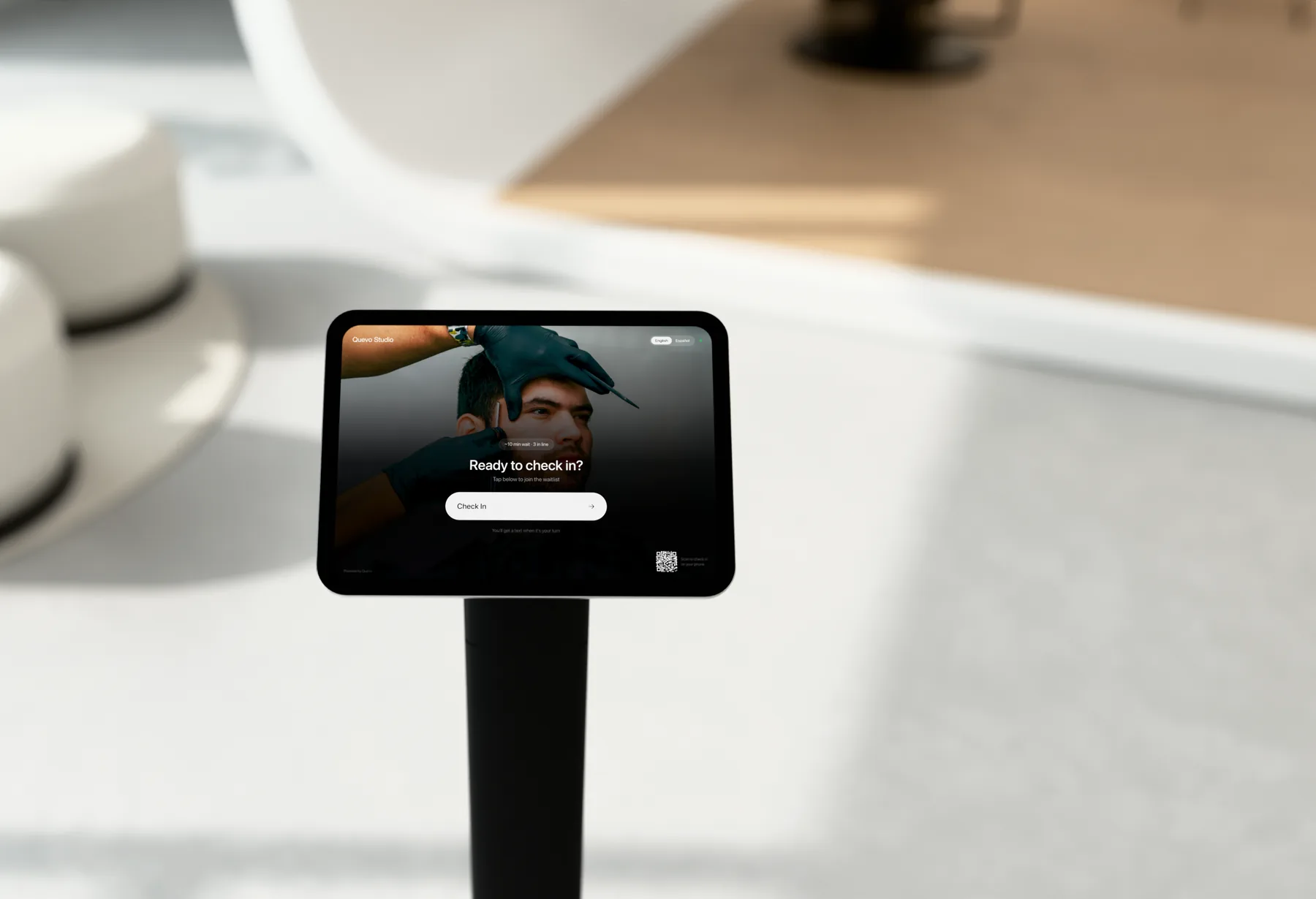
Walk-ins and appointments check themselves in at the door, wait wherever they want, and get a text when it's their turn. No clipboard, no front desk.
Free forever · No credit card required
How self check-in works
Three taps, then a text.
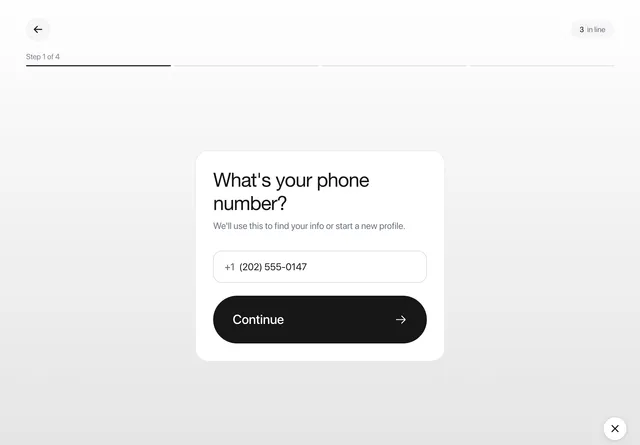
01They tap Check In
One button on the iPad kiosk at your door, or a QR code they scan with their own phone. No app to download, no sign-up.
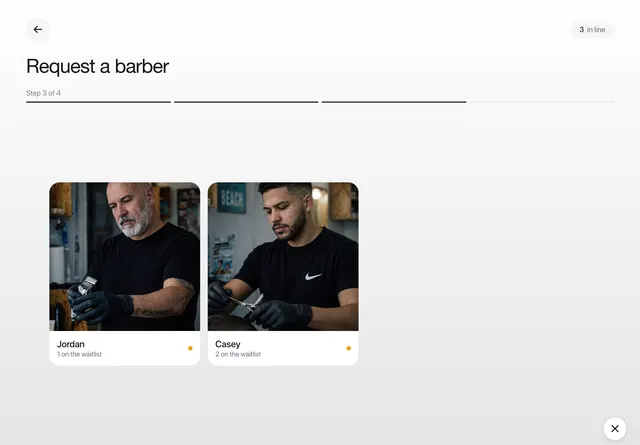
02Their number does the rest
Booked through Square or Quevo? They're checked in on the spot. Walking in? They pick a barber, or take whoever's next.
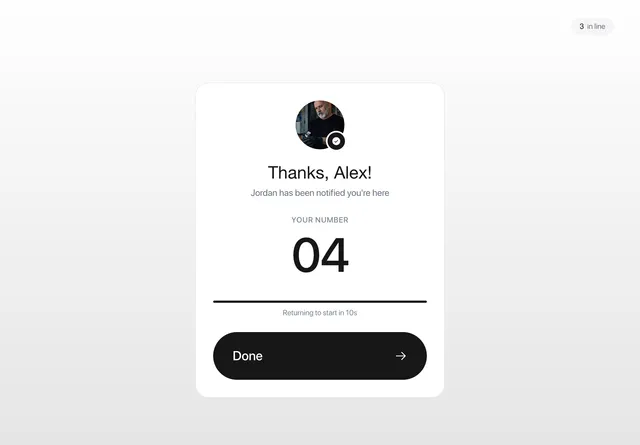
03They wait anywhere
A text confirms their spot with a link to the live line, and another tells them when they're next. No names shouted across the shop.
Kiosk or QR code?
Use one or both. Everyone lands in the same line.
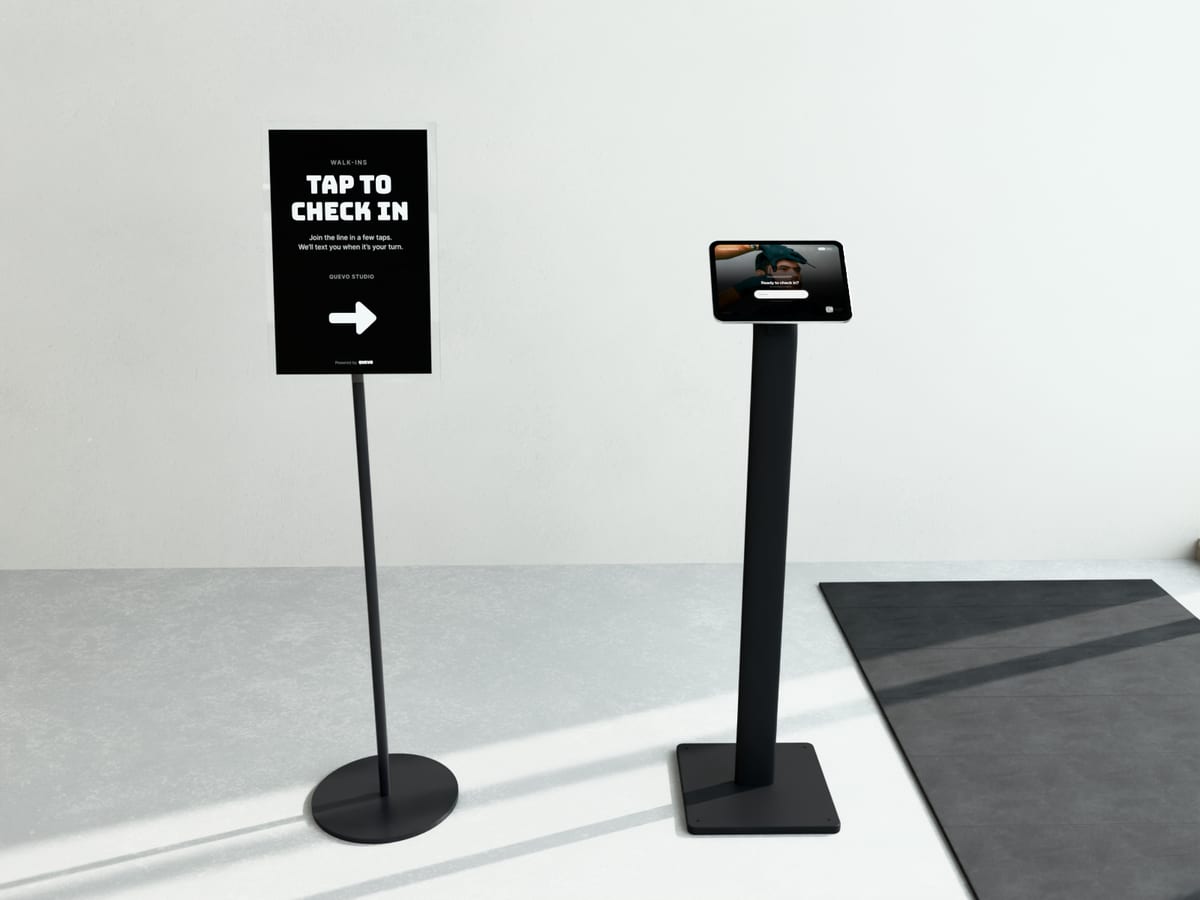
iPad kiosk
- Any iPad, on a floor stand or the counter
- Your photo, colors and welcome words
- English or Español with one tap
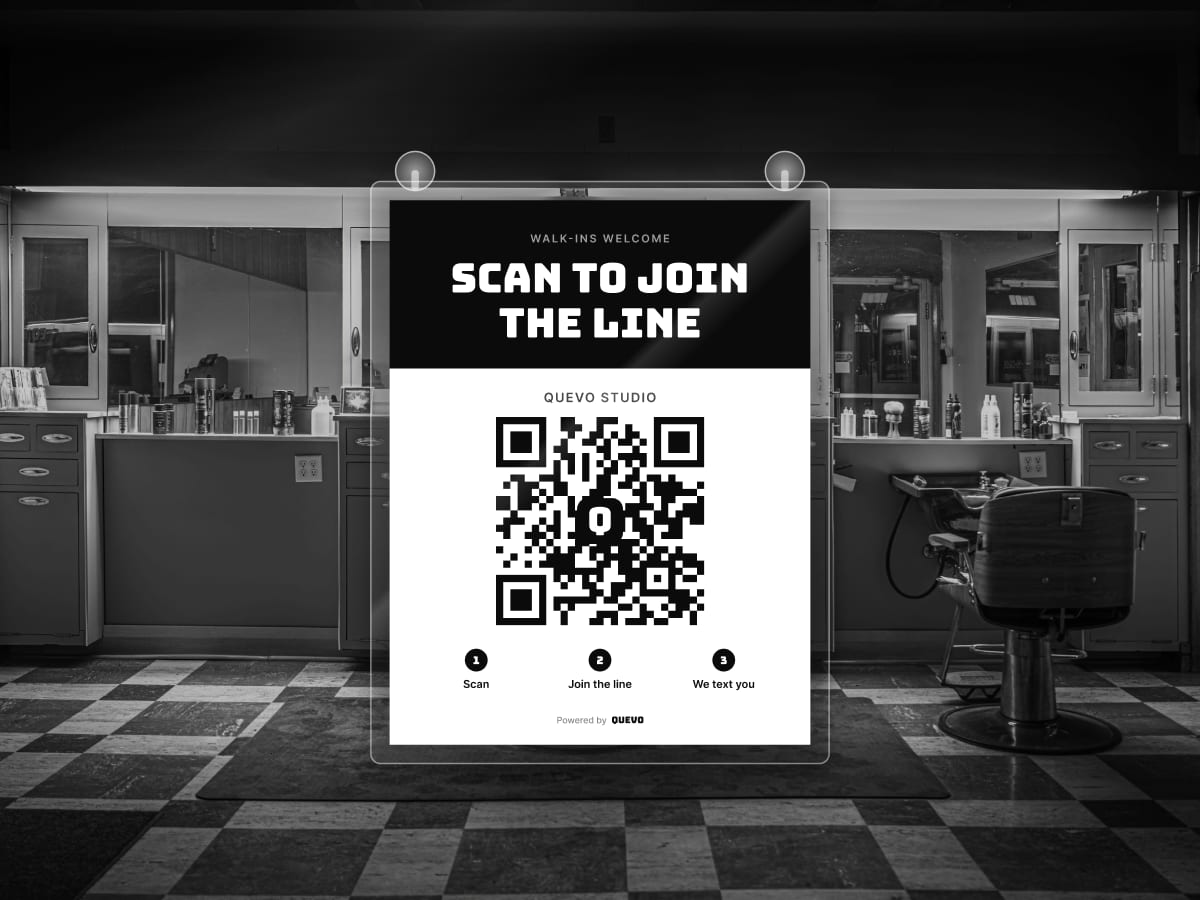
QR code
- No hardware — print the free sign
- Clients join from their own phone, no app
- The same line and texts as the kiosk
Already on Square?
Keep it.
On Growth and Pro, appointments from Square land in the same line as walk-ins, and clients with a booking are checked in on arrival.
Built for busy walk-in shops
On a busy Saturday, the front desk becomes the bottleneck: a paper clipboard, a crowded doorway, and barbers shouting names over the noise. Quevo replaces all of it with a self check-in kiosk and text updates, so customers check themselves in and your team stays focused on the cut.
It runs on an iPad you may already own, or just a printed QR code. Whether you run pure walk-ins or a mix of walk-ins and appointments from Square or Quevo bookings, everyone lands in one queue you can run from your phone.
Questions
- Do clients need an app?
- No. They check in on your iPad, or in their phone's browser after scanning your QR code.
- Does it work in Spanish?
- Yes. The kiosk, the check-in page and the texts switch to Spanish with one tap.
- What do I need to start?
- Nothing but a printed QR sign. Add an iPad kiosk whenever you want.
- Is it free?
- The Starter plan is free forever: 1 location, 2 staff and 50 check-ins a month, no credit card required.
$0.
Start
free.
Free forever · No credit card required · Set up today